Turn Any website Lead Into a Live Demo Automatically.
Impress potential clients in minutes, not days.
With TemplateFlow, you can generate personalized one-pager website previews instantly from a simple form. no design or coding needed.
Most freelancers lose leads because they can’t show something fast enough.
TemplateFlow fixes that by automatically creating a personalized one-pager demo the moment someone fills out your form.
No coding, no design, no waiting — just plug it into your WordPress site, and you’ll have a fully working “wow” demo system running in under an hour.
Create live demo pages automatically from a simple form
Send personalized links that “wow” clients instantly
Works with your favorite WordPress form plugin — setup in under an hour
In today’s market, response time is everything. TemplateFlow helps you deliver instant value by turning a simple form submission into a professional one-pager preview — branded, personalized, and ready to impress.
You’ll look faster, smarter, and more prepared than any other freelancer in their inbox.

Create website templates in 2 minutes
WordPress Plugin
Installation guide
Install for you Service included
Ready in 15 minutes
20 Template credits
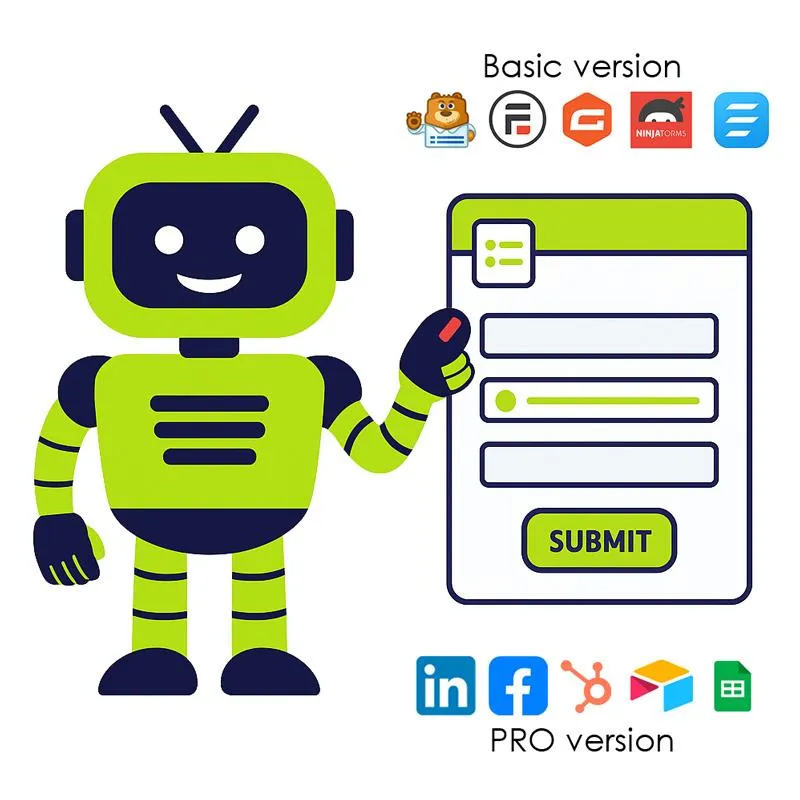
Works with Gravity, WPForms, Ninja, Formidable, Forminator, Contact 7, Jetform
Pro works with Facebook lead forms, LinkedIn lead forms, and any system that connects to Make.
Step 1:
Capture Lead or Client Info
Import our prebuilt form into your WordPress site.
Your lead fills it out — adding name, niche, colors, services, and business details.
With the Pro Version you can even use a social media lead form, landing pages, or use it as a briefing form.
Plugins Supported: WPForms, Fluent Forms, Contact Form 7, and more.
Step 2:
TemplateFlow Generates a Personalized Demo
Once the form is submitted, TemplateFlow automatically builds a complete one-pager website template in less than two minutes.
It includes text, layout, images, and even the business’s Google Map location — all styled for instant impact.
1 Credit = 1 Template Created (Starter Kit includes 10 credits).


Step 3:
The Demo Email Goes Out Instantly
The client receives a personalized email including a demo link, ready to view on desktop or mobile.
You can customize this message once inside TemplateFlow — the rest happens automatically for every lead that comes in.
Optional Upgrade: With TemplateFlow Pro, you can also export Elementor JSON files or trigger TemplateFlow from Make.com for external forms.

Result
In under an hour, you’ll have a system that turns every lead into a live design preview — automatically.
It’s the fastest, easiest way to impress clients and close more projects without spending days on mockups.
See How TemplateFlow Turns Any Lead Into a Live Demo Automatically
Your data will be used to create a template. You will receive an email with the link to the finished website template two minutes after you have submitted the form.
What Other Web Pros Say About TemplateFlow
TmplateFlow completely changed how I handle new leads. Before, I used to spend hours creating mockups that went nowhere. Now, I just send a link — and clients are instantly impressed. I closed two projects in the first week because people could see what they were getting right away.

As a small agency, time is everything. With TemplateFlow, my team can send out personalized demos literally minutes after a lead contacts us. It’s automated, it looks professional, and it saves us from doing free work. We’ve already turned more leads into paying clients — and the setup took less than an hour.

I’m not a designer — I run local marketing campaigns. TemplateFlow lets me offer clients a ‘website preview’ as part of my lead generation, and it blows them away. It feels like having a full creative team working in the background. Definitely one of the smartest $9 tools I’ve ever bought.contacts us. It’s automated, it looks professional, and it saves us from doing free work. We’ve already turned more leads into paying clients — and the setup took less than an hour.